- Home Page /
- Electronics /
- Computers, Laptops and Tablets /
- Computer Accessories /
- Computer Cables & Connectors /
- All Computer Cables & Connectors /
- UPTab HDMI 2.1 to DisplayPort 8K 60Hz Active ...
0 ratings


Item #:
60594755
UPTab HDMI 2.1 to DisplayPort 8K 60Hz Active Adapter
Item #:
60594755
ANG 122
Price Details
Excluding Shipping & Custom charges ( Shipping and custom charges will be calculated on checkout )
*All items will import from US
0 ratings
Write a review
In stock
 Imported from USA store
QTY:
Only 12 items left in stock.
Order now and get it around Friday, July 03
Secured transaction
Ubuy works hard to protect your security and privacy. Our advanced payment security system ensures confidentiality by encrypting your information during transmission using AES (Advanced Encryption Standards) and SSL (Secure Socket Layer) protocols. Your payment details are 100% secure as we do not share your payment details with third party sellers.
Our Top Logistics Partners


Experience astonishing UltraHD picture quality with the HDMI 2.1 to DisplayPort converter that delivers resolutions up to 8K 30Hz, 4K at 120Hz.

Fast
Shipping

Free
Return*

Secure Packaging

100% Original Products

PCI DSS Compliance

ISO 27001 Certified


What Stands Out
8K Resolution Support
Delivers stunning 8K resolution at 60Hz, ensuring crystal-clear visuals and incredible detail for gaming and professional use, outperforming standard adapters.
Active Conversion
Features an active adapter design that converts HDMI 2.1 signals to DisplayPort, enabling compatibility with a wider range of devices while maintaining signal integrity.
High Bandwidth
Supports high bandwidth of up to 48 Gbps, allowing for rich color depth and smooth refresh rates, making it ideal for dynamic content and immersive experiences.
Product Details
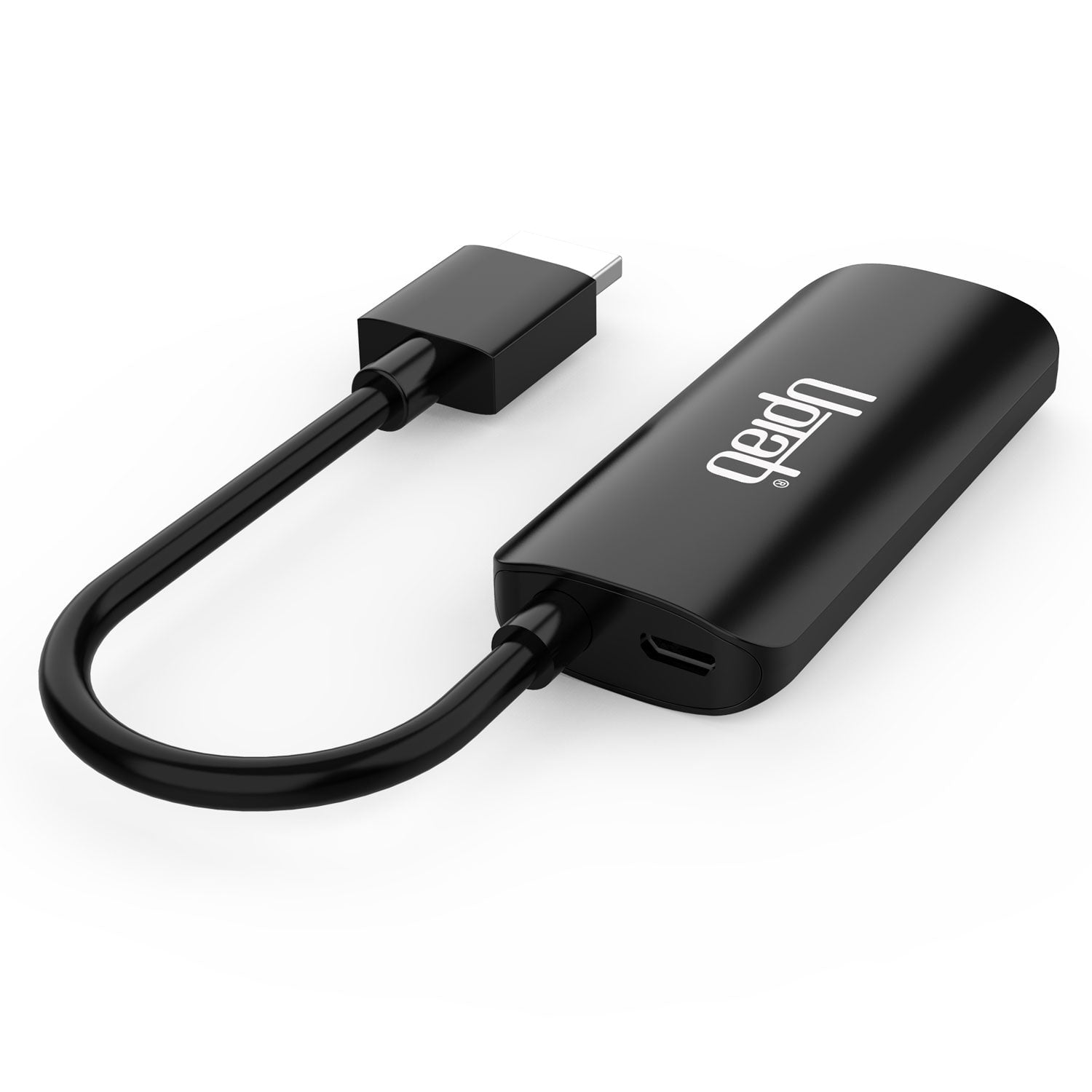
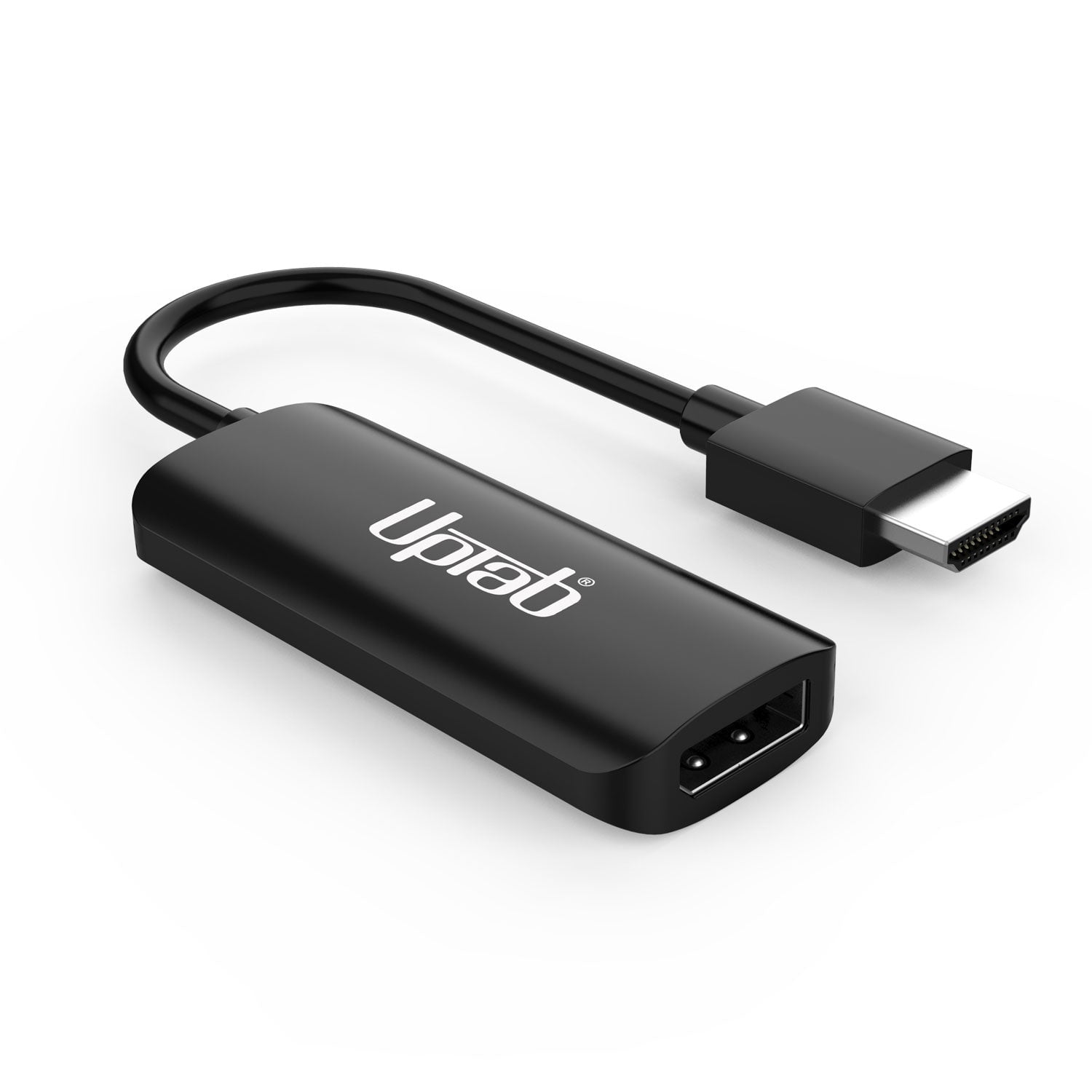
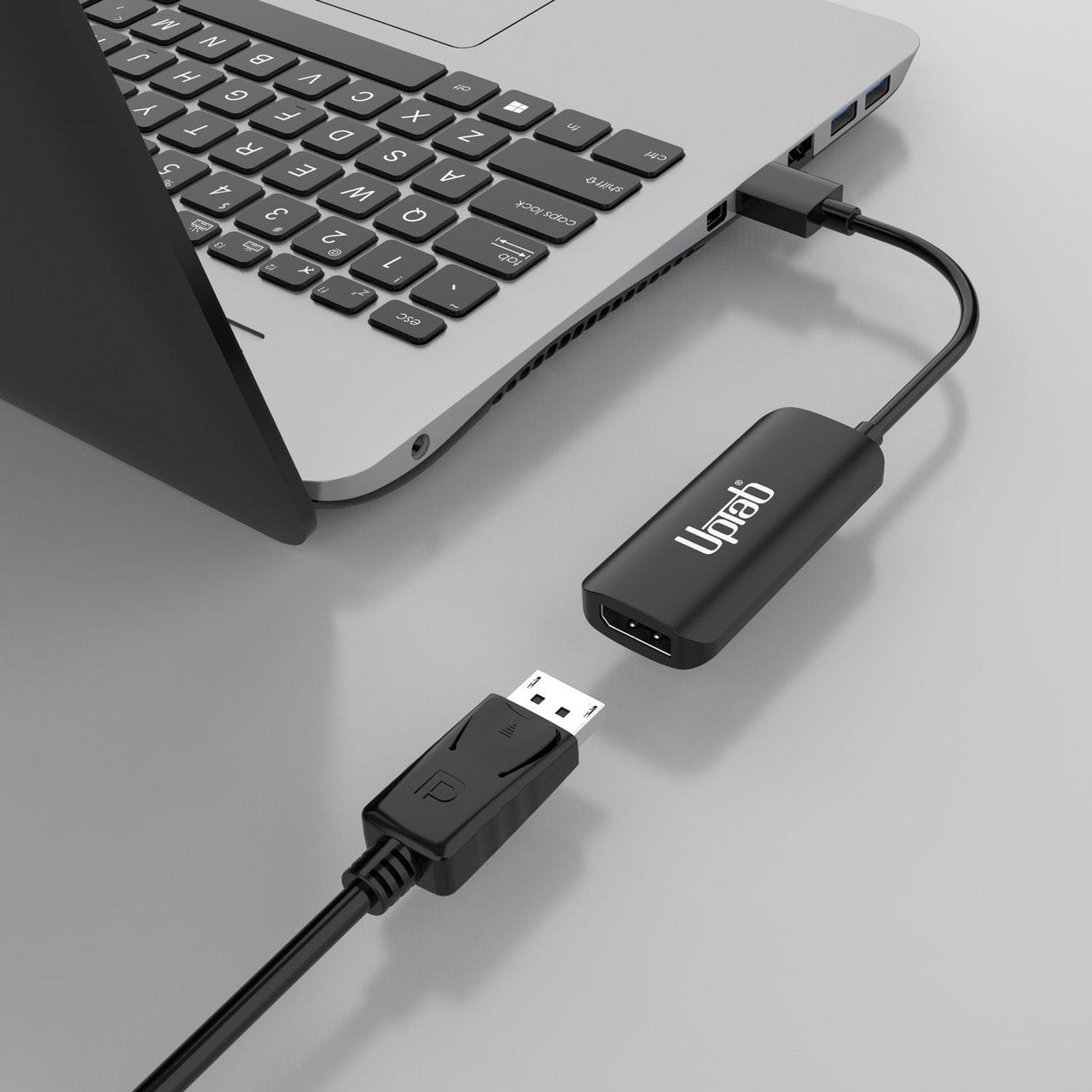
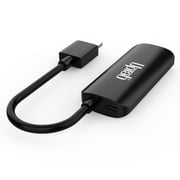
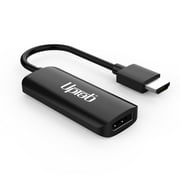
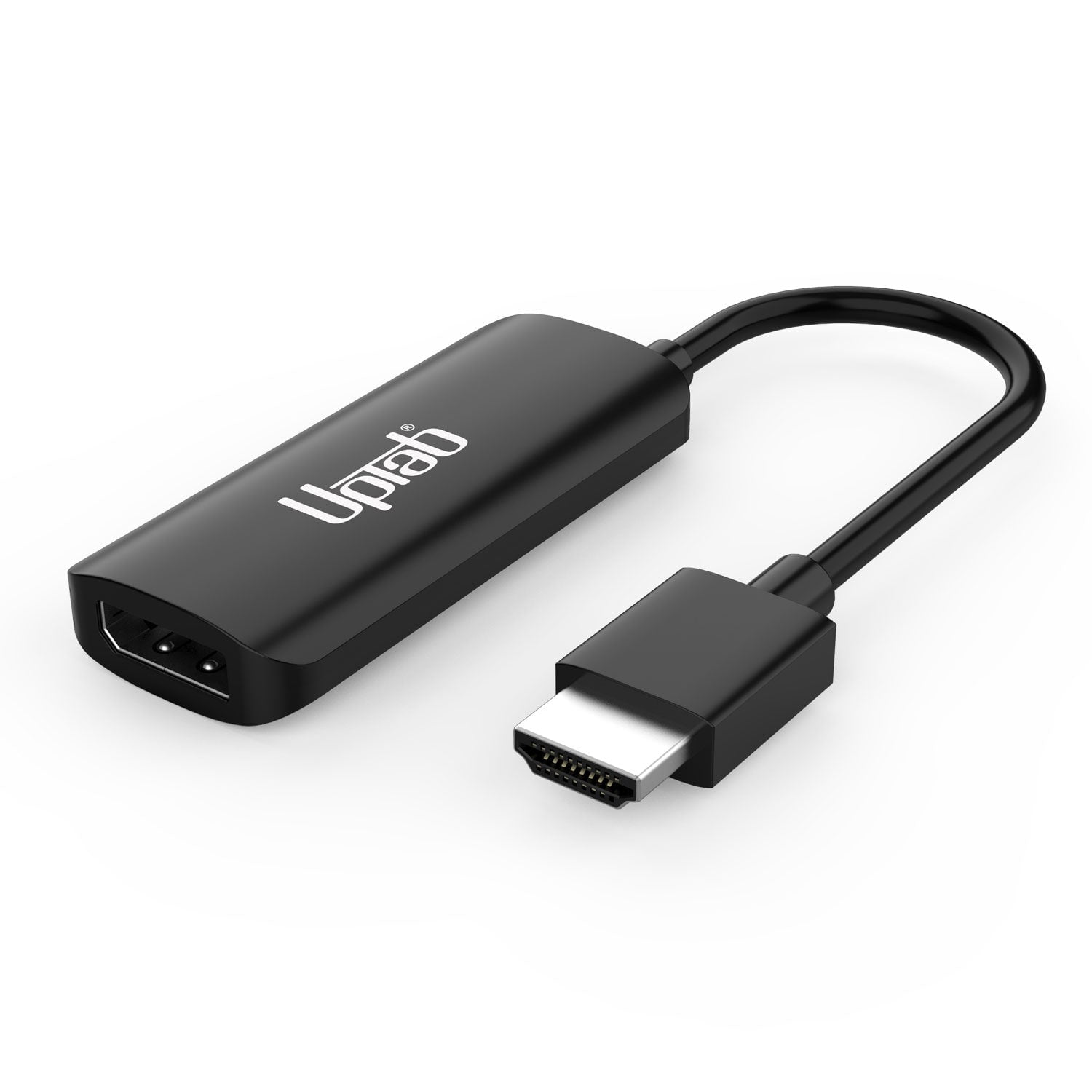
- Experience next-level clarity and speed with the UPTab HDMI 2.1 to DisplayPort 1.4 Active Adapter—the perfect bridge between your latest HDMI devices (PlayStation 5, Xbox Series X/S, laptops, PCs) and DisplayPort monitors. Enjoy resolutions up to 8K @ 60Hz, 4K @ 120Hz, or 1080p @ 240Hz with lifelike color and ultra-low latency.Engineered for serious gamers and professionals, this adapter delivers 7.1-channel surround audio, a true plug-and-play setup, and triple-shielded signal integrity for uninterrupted performance. WithUPTab’s proven reliability and build quality, you’ll unlock your monitor’s full potential for gaming, editing, or streaming.PowerTo ensure stable signal conversion, connect the included Micro USB cable to a USB port on your computer or to a USB wall charger. This provides the necessary power for converting the HDMI signal to DisplayPort with optimal performance.Connect your Xbox Series X/S to your Monitor using our HDMI™ 2.1 to DisplayPort 1.4 AdapterConnect your Sony PlayStation 5 to your Monitor using our HDMI™ 2.1 to DisplayPort 1.4Highlights:Plug & PlayNo driver or software installation requiredSupports resolutions up to Ultra HD of 8K at 60HzHigh-quality audio (supports 7.1 channel surround audio with up to 192 kHz)Compliant with HDCP standardsTechnical Specifications:Input: HDMI 2.1, Male.Output: DisplayPort 1.4 (Female) – Requires a DisplayPort cable (not included)Supports resolutions UHD of 8K at 60Hz, 4K (3840x2160) @ 120Hz, 1440p (2560x1440) @ 240Hz, 1080p (1920x1080) @ 240 Hz.High Quality Audio - Supports 7.1 Channel surround audio with up to 192 kHz sample rate.Compliant with HDCP standards.Cable: Triple Shielded.USB Powered.** Note: This adapter is NOT bi-directional. It only converts an HDMI output signal (source device) to DisplayPort (monitor/display)In The Box:1x UPTab HDMI to DisplayPort Active Adapter.1x USB to Micro USB 40 (1m) CableFrequently Asked Questions (FAQ)PlayStation 5 (PS5)How can I get 1080p at 120Hz?Make sure you have the latest Sony PS5 Update. CheckSony website here.Make sure your monitor can support 240Hz at 1080pMake sure you are using a DP to DP Cable capable of handling the resolution DP 1.3 minimumMake sure the DP port on your monitor is configured to DP 1.4 or a Minimum of DP 1.3Disable Ray TracingEnable Performance Mode on your PS5Navigate to your home screen after launchingPS5and open up “Settings.” – Screengrab via Sony.Scroll down and choose “Save Data and Game/AppSettings.” – ...Enter “Game Presets” and choose “Performance Modeor ResolutionMode.” Switch to “Performance Mode.”As of April 2025 PS5 120Hz Games are:Agent InterceptApex LegendsAsphalt Legends UniteAsteroids: RechargedAtomic HeartAzure Striker Gunvolt 3Ben 10: Power TripBerzerk: RechargedBlack Widow: RechargedBloodRayne Betrayal: Fresh BitesBorderlands 3Breakout: RechargedBright Memory: InfiniteCall of Duty: Black Ops 7Call of Duty: Black Ops 6Call of Duty: Black Ops Cold WarCall of Duty: Modern Warfare 2Call of Duty: Modern Warfare 3Call of Duty: VanguardCall of Duty: WarzoneCat Quest 3Caverns of Mars RechargedCentipede: RechargedCharon's StaircaseCursed to GolfCurved SpaceCyber ShadowDawn of the MonstersDeep Rock GalacticDestiny 2DevastatorDevil May Cry 5: Special EditionDIRT 5 PS5DOOM + DOOM 2DOOM EternalEA Sports F1 25FortniteMonster Boy and the Cursed KingdomThe Nioh Collection (Nioh and Nioh 2)Rainbow Six SiegeTony Hawk's Pro SkaterWRC 9Full list with all PS5 games supporting 120Hz you can find here.How do I fix the DisplayPort to HDMI no signal?Turn off the PCDisconnect all monitorsUnplug the monitor you’re having issues with from its power source.Wait approximately 1 minute.Reconnect ONLY the monitor you were having issues with to the power, and to the PC.Reconnect the PC to the power source.Turn on the PCCan I connect the HDMI laptop to the DisplayPort monitor?Confirm your adapter is HDMI to DisplayPort and NOT DisplayPort to HDMI; many adapters are not bidirectional.Turn off your PCConnect your HDMI to the HDMI port on your PC/LaptopConnect the USB to the USB port on your computer or Power Source to power the adapter.Connect the DisplayPort to your Monitor DisplayPort Cable (Cable not provided).Turn on your PCIs HDMI the same as DisplayPort?HDMIandDisplayPortare both high-speed digital interfaces, but they differ in several important aspects. HDMIis used mainly for consumer electronics equipment, whileDisplayPortis primarily for computer and peripheral video connections.Does DisplayPort to HDMI lose quality?DP has a higher maximum quality, but an UltraHD TV will not be limited by HDMI, so there is no loss in quality. They are both serial digital standards and will transmit the signal without scaling.
| Connector type | HDMI |
| Cable length | 4 in (10.2 cm) |
| Brand | UPTab |
| Color | Black |
| Compatible brands | PlayStation, XBOX, Laptops with HDMI Port, Apple, Blue-Ray Player |
| Compatible models | PS5 |
| Model name | HDMI 2.1 to DisplayPort 8K 60Hz Active Adapter |
| Cable jacket material | Nylon |
| Shielded/unshielded | Shielded |
| Connector gender | Male |
| Electronic end connection 1 | Male |
| Electronic end connection 2 | Male |
| Electronic end connection 3 | Male |
| Count | 1 |
| Has nrtl listing certification | N |
| Accessories included | Micro USB cable |
| Retail packaging | Single Piece |
| Item Weight | 0.5 lbs (230 grams) |
Who Should Buy?

-
Gamers
Ideal for gamers seeking high-resolution visuals and smooth gameplay on compatible monitors.
-
Content Creators
Perfect for video editors and graphic designers needing high-quality display output for 8K content.
-
Home Theater Enthusiasts
Great for those wanting to connect modern devices to high-end displays for an immersive viewing experience.

-
Basic Users
Not suitable for average users who don't need advanced display capabilities or high resolutions.
-
Older Devices
May not be compatible with outdated HDMI or DisplayPort devices lacking required specifications.
-
Casual Viewers
Not necessary for users who watch standard-definition content, as the adapter's benefits won't be utilized.
Product Description
Have any Query? Chat with us
Customer Questions & Answers
-
Question:
Is the HDMI to DisplayPort adapter bi-directional?
Answer: No, the adapter only converts HDMI output signals to DisplayPort. -
Question:
What devices can I connect using this adapter?
Answer: You can connect HDMI enabled Ultrabooks, laptops, desktops, gaming consoles like Nintendo Switch, PS4, PS5, and Xbox, to a DisplayPort monitor. -
Question:
Do I need any additional software to use the adapter?
Answer: No, it is a true plug-and-play device, requiring no drivers or software installation.
UPTab All Computer Cables & Connectors Editorial Review
No editorial reviews found
Customer Reviews & Ratings
2 customers ratings
-
5 Star
50%
-
4 Star
0%
-
3 Star
0%
-
2 Star
0%
-
1 Star
50%
Review this product
Share your thoughts with other customers
Pros
- Supports 8K resolution
- Active adapter for better performance
- Plug and play functionality
Cons
- Limited compatibility with devices.
Product Price History
Important information
- Limitations : For products shipped internationally, please note that any manufacturer warranty may not be valid; manufacturer service options may not be available; product manuals, instructions, and safety warnings may not be in destination country languages; the products (and accompanying materials) may not be designed in accordance with destination country standards, specifications, and labeling requirements; and the products may not conform to destination country voltage and other electrical standards (requiring use of an adapter or converter if appropriate). The recipient is responsible for assuring that the product can be lawfully imported to the destination country. When ordering from Ubuy or its affiliates, the recipient is the importer of record and must comply with all laws and regulations of the destination country.
- Not all the products listed on Ubuy are for sale, as Ubuy is a global search engine. Products are subject to export/trade regulations.
ANG 122
Order now and get it around Friday, July 03
This item is not restrict in my country.(Please click on above link if this item is not restrict in your country, So our team will review and allow.)
QTY:
Only 12 items left in stock.
Secured transaction
Ubuy works hard to protect your security and privacy. Our advanced payment security system ensures confidentiality by encrypting your information during transmission using AES (Advanced Encryption Standards) and SSL (Secure Socket Layer) protocols. Your payment details are 100% secure as we do not share your payment details with third party sellers.
Our Top Logistics Partners
Fastest cross-border delivery
Features & Benefits
- Delivers stunning UltraHD picture quality up to 8K at 30Hz.
- Support for high-resolution 4K at 120Hz and 1080p at 240Hz.
- Plug and play design with no drivers or software required.
- USB powered, ideal for professionals on the go.
- Compatible with popular gaming consoles like PS5 and Xbox Series X/S.
- Offers crystal clear sound with 7.1 channel surround audio support.